
How It Works

How Metre Works for Lifting on Apple Watch

Metre is a watch-first Apple Watch workout timer for lifting. Start lifts from your wrist, time rest between sets, and get haptic feedback when it is time to lift again without reaching for your phone.

Metre Apple Watch screen showing an active lift in progress

Stay with the lift

Keep the active set clear while you are still working.

Metre Apple Watch screen prompting the start of a rest period after a lift

Choose rest

Move directly into recovery as the set ends.

Metre Apple Watch screen showing the main rest timer between sets

Rest between sets

Keep a dedicated rest period in view.

Metre Apple Watch screen showing the final countdown before the next set

Return when it is time

Get a final countdown before the next set.

In practice

A rest timer for lifting that stays with the workout.

01

Tap Start to begin a new lift.

Starting a lift immediately begins the countdown, helping you get ready for your set.
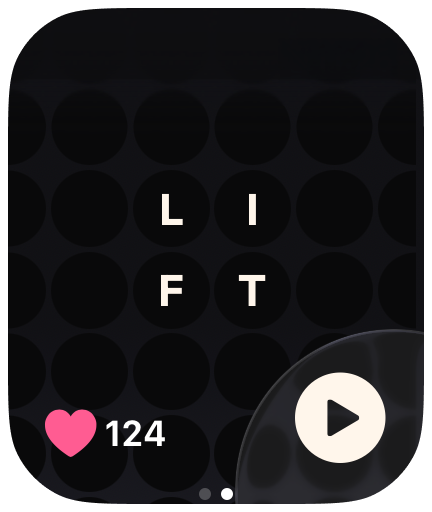
Metre Apple Watch screen showing the next lift selected before a set starts

02

Start with intention.

Once the lift is started, Metre moves into a clear start sequence. Grab the bar and get ready.

Metre Apple Watch countdown showing one
Metre Apple Watch countdown showing two
Metre Apple Watch countdown showing three
Metre Apple Watch go screen at the start of a lift

03

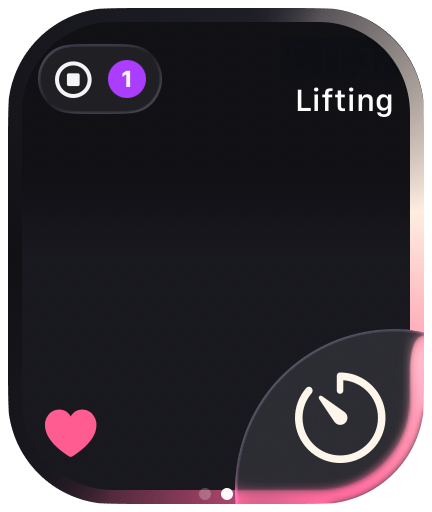
Tap the rest timer icon to move forward.

Once you are done with your set, tap the rest timer icon to move into recovery.

Metre Apple Watch screen showing an active lift in progress

04

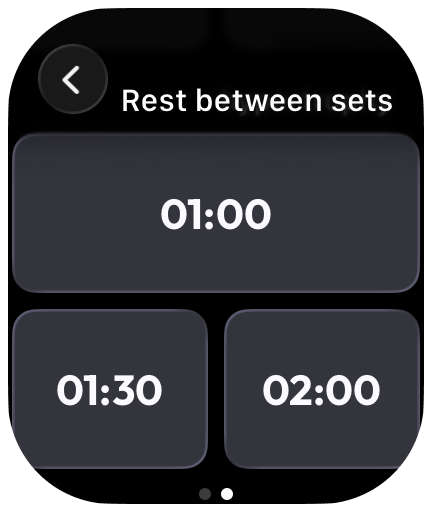
Choose how much rest you want between sets.

Pick the rest duration you want before starting the next round.

Metre Apple Watch screen prompting the start of a rest period after a lift

05

Rest takes focus.

After the set, the watch becomes a dedicated rest timer. Large numbers make it easy to know when it is time to begin lifting again.

Metre Apple Watch screen showing a dedicated rest timer between sets

06

The final seconds become impossible to miss.

As the rest period winds down, Metre switches into a stronger countdown with haptic feedback to let you know it is time.

Metre Apple Watch screen showing the final orange countdown before the next set

07

Continue to another set, or tap Stop to end your lift.

When you are ready, move into the next set, or tap Stop to finish the lift.
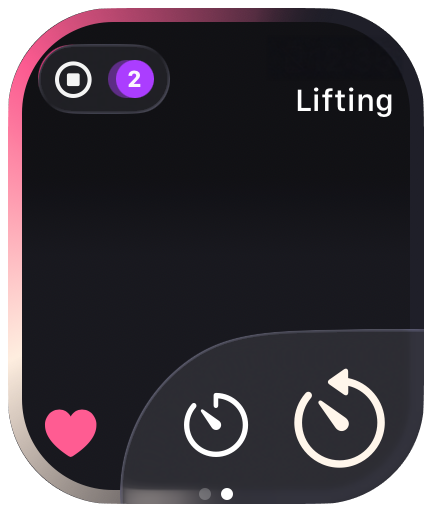
Metre Apple Watch screen showing the next lift state after returning from rest

08

Completed lifts stay visible from the home screen.

Once a lift is complete, it stays visible from the home screen and shows how many sets you have completed for each lift.
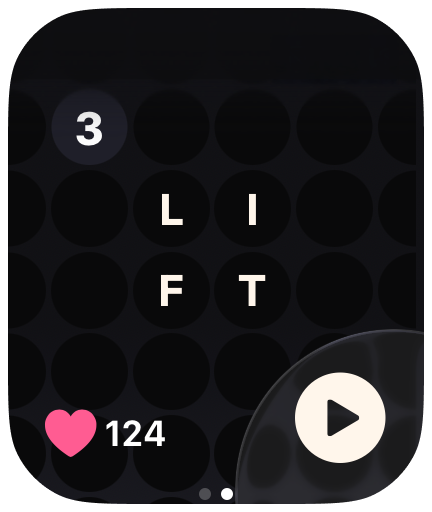
Metre Apple Watch screen showing a completed lift in the workout

App Store

Download Metre on the App Store.

Built for Apple Watch.

Download on the App Store